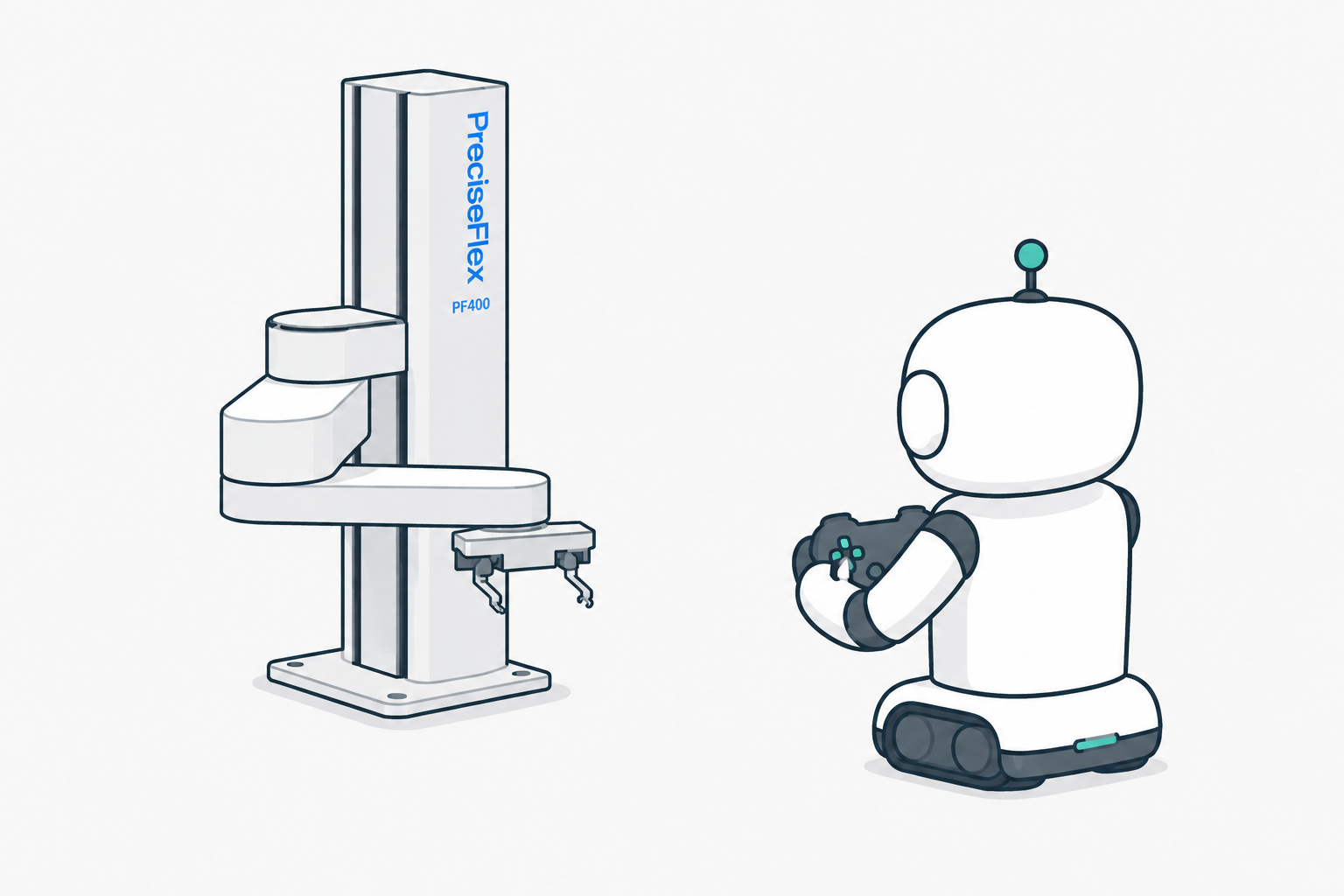
Jogging a PF400 with a Switch 2 Pro Controller
Teach pendants are expensive. A spare game controller is not. Wiring one up to a PF400 takes about a hundred lines of Python.
Repo: RoboDrop/Switch2Controller_PF400.
Prerequisite: TCS
This script talks to the robot through the TCP Command Server (TCS) — a small server that runs on the PF400’s controller and accepts string commands like movej over a TCP socket. It’s the same interface Brooks/Precise uses for remote control from PCs, tablets, or other instruments.
TCS isn’t always running by default. To turn it on:
- In the robot’s web admin (browse to its IP), make sure the
Tcp_cmd_server_paproject is set to auto-compile on boot. - Put the robot in Computer Control Mode (not Manual) from the Operator Control panel.
- Verify TCS is running in the Operator Control panel. The default port is
10100.
Brooks’ TCS docs and command reference live at the Brooks PreciseFlex support archive.
Once TCS is up, any program that can open a TCP socket and parse strings can drive the robot.
How it works
The script has three pieces.
1. Put the controller into HID mode. The Switch 2 Pro Controller boots up in Nintendo’s proprietary protocol — plug it in and the OS sees it, but no input reports come through. ns2_init.py sends a magic USB sequence (adapted from Switch2ProMac) that flips it into standard HID streaming. Run it once after every plug-in:
python3 ns2_init.py
~300 reports stream in over four seconds. After that the controller behaves like any other HID gamepad.
2. Read the controller. hidapi opens the device and reads input reports at 40 Hz. Each report contains stick axes, a button bitmap, and a D-pad hat value. decode_buttons pulls those out. The bit positions are reverse-engineered (Nintendo doesn’t document them), so ns2_dpad_probe.py walks through each direction and prints which bit fires — patch the constants if yours differ.
3. Talk to the robot. The PF400 has a TCP Command Server on 192.168.0.1:10100. The script opens a socket and sends movej commands. Each tick of the 40 Hz loop:
- Read latest controller state.
- Convert stick deflection into per-joint velocity, scaled by the master speed.
- Integrate over the tick to get a target joint position.
- Clamp to soft limits.
- Send
movejwithInRange=-1so the robot blends segments continuously.
That last flag is the only non-obvious part. Without it, the robot decelerates to a full stop between every commanded segment, so 40 commands per second feels like grinding. InRange=-1 enables continuous-path blending — each new target merges into the current trajectory and the motion stays smooth.
Control mapping
| Input | Action |
|---|---|
| D-pad up / down | J1 (vertical column) |
| Left stick X | J2 (shoulder) |
| Right stick X | J3 (elbow) |
| L / R | J4 (wrist rotate) |
| ZL / ZR | J5 (gripper) |
| Back paddles | Speed scale − / + |
| A | Print current pose |
| Y | Toggle motor power |
| B | Halt and quit |
| Minus | Emergency stop |
That’s the whole thing. Plug in a controller, flip it into HID mode, jog the robot.